

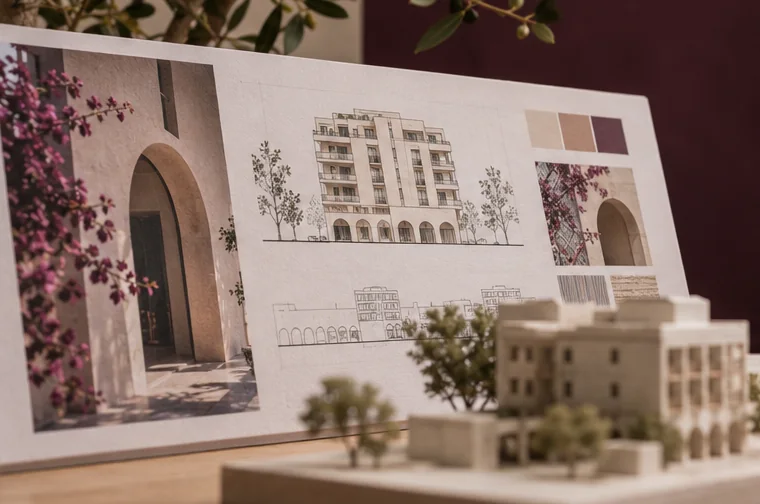
Assemble a verified source pack
Before producing creative, collect approved plans, communicated timelines, available unit types, publishable price information and important conditions. Mark what is estimated and what is confirmed. Architectural CGI should be labelled as an illustration when it does not reflect an existing finished building.
Build a focused landing page
Explain the development quickly, show the permitted location, unit types, features and a clear inquiry path. Floor plans must be legible on mobile. Avoid a dozen competing actions: choose one primary goal, such as requesting a brochure or a callback.
Keep campaign formats consistent
Video, carousel and ad variations should share the same facts and visual identity. A campaign promising an unverified price while the page says something else damages trust. Build creative around distinct questions: location, layout, timeline or amenities.
Learn from useful inquiries
Connect campaign links with measurable parameters and identify qualified requests. Respect visitors who do not consent to tracking. Feed recurring questions back to the content team to improve the page. Budgets and outcomes vary; no fixed sales volume can be promised.
What matters most
- Label conceptual renders clearly
- Keep one main campaign action
- Use lead feedback to improve pages